When you have numbers, you have a need for a Measure Filter Node.
Numbers are here, lets talk about it.
Filtering with a number or decimal is straight forward using ET1.
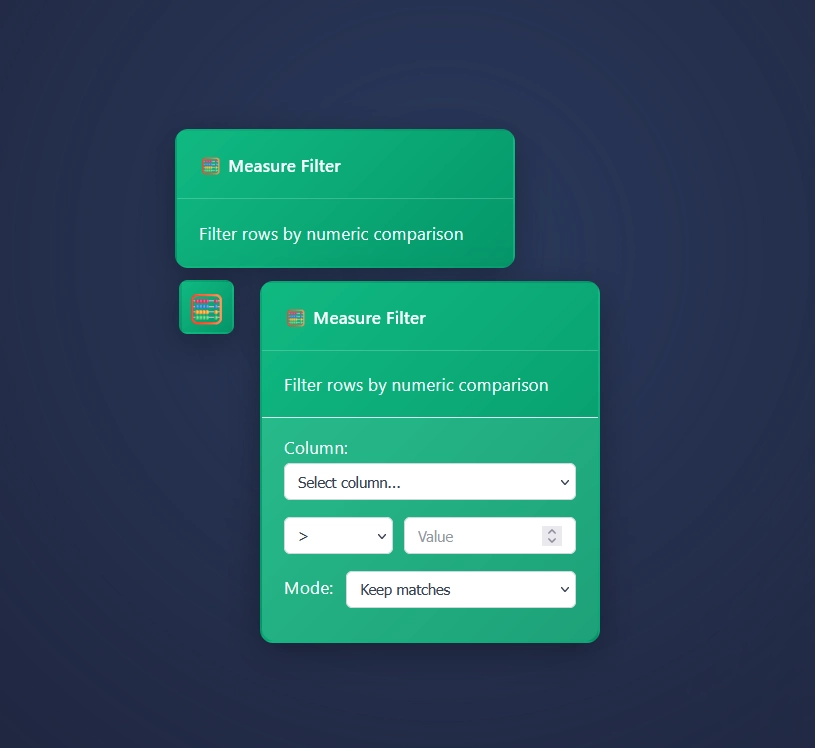
Using Measure Filter Node in ET1
Get started using the Measure Filter node.
Attach data pipeline / arrow. This flows data downstream.
Then you will do the following 4 steps:
Select a column.
Select an operand.
Input your value.
Swap modes, “keep matches” or “keep unmatched”
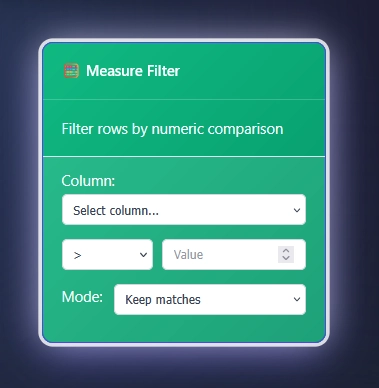
How Measure Filter Node works
Inferred debugging; If your column isn’t a measure, the measure filter will not work.
If your column is a measure, meaning it can be aggregated due to it being a number or decimal, then ET1 will measure the column.
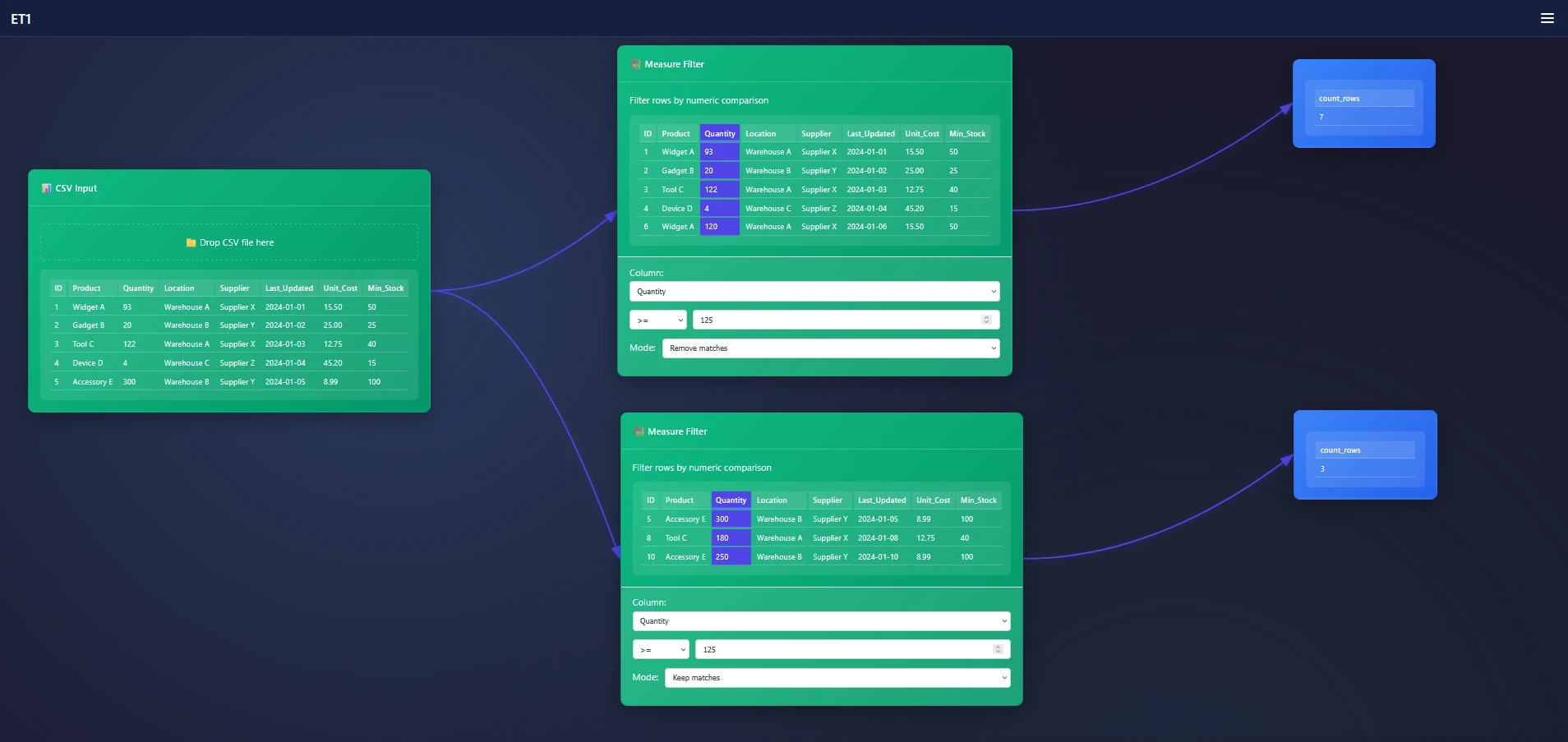
In this example we are filtering by Quantity.
We swap the Column to Quantity.
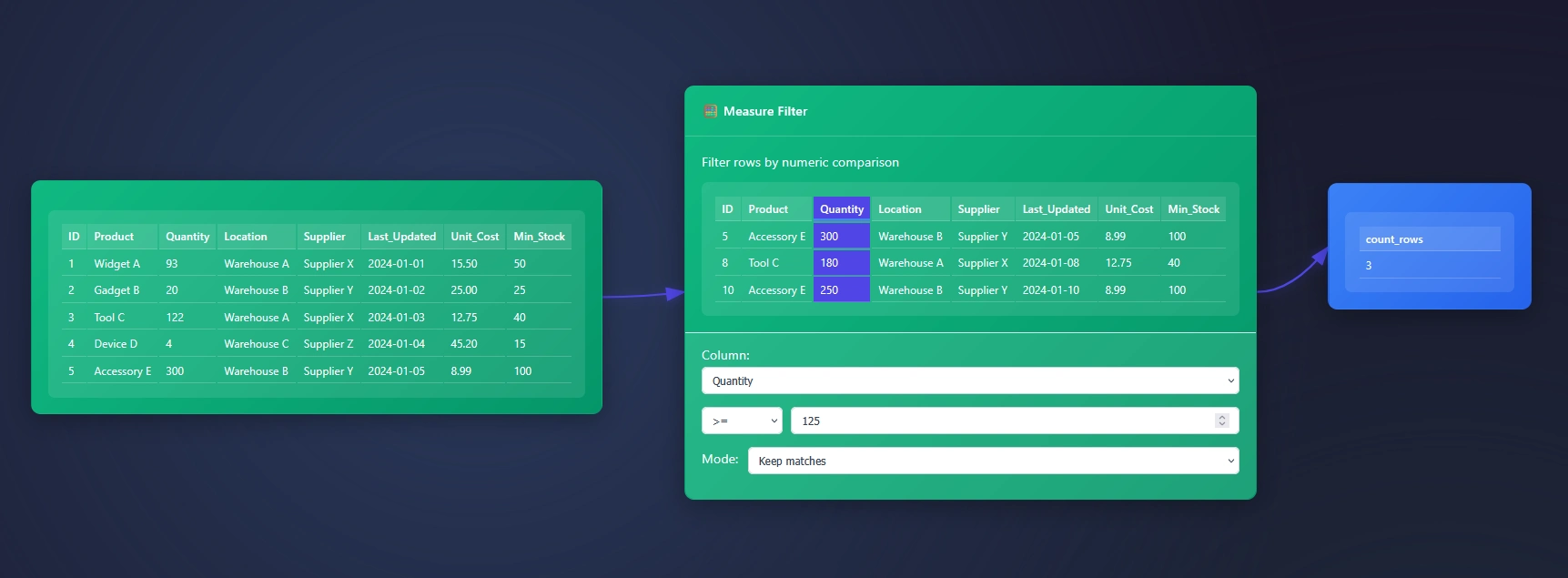
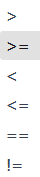
Then add the value of 125. Using the operand >= …
We will choose “Keep Matches” however swapping to keep “unmatched” can helpful if you need to split the data.
Here’s an example of how you will split measure filter nodes to simulate splitting the data VS keeping just the one side of the filter.
Questions? Please contact us.
Return to ET1 Overview to learn more.